
How kubb-lock.json works
Kubb 5.27 writes kubb-lock.json to your project root. Commit it with your generated code. With it, kubb generate skips the build when nothing changed, and kubb generate --check verifies formatted output without running your formatter.
Why it exists
output.format, output.lint, and output.postGenerate rewrite the files Kubb generates, so the generated text rarely matches the file on disk. Before 5.27, --check ran the formatter and linter again in a temporary folder to compare them. That was slow, and it broke when an ignore rule skipped that folder.
What it holds
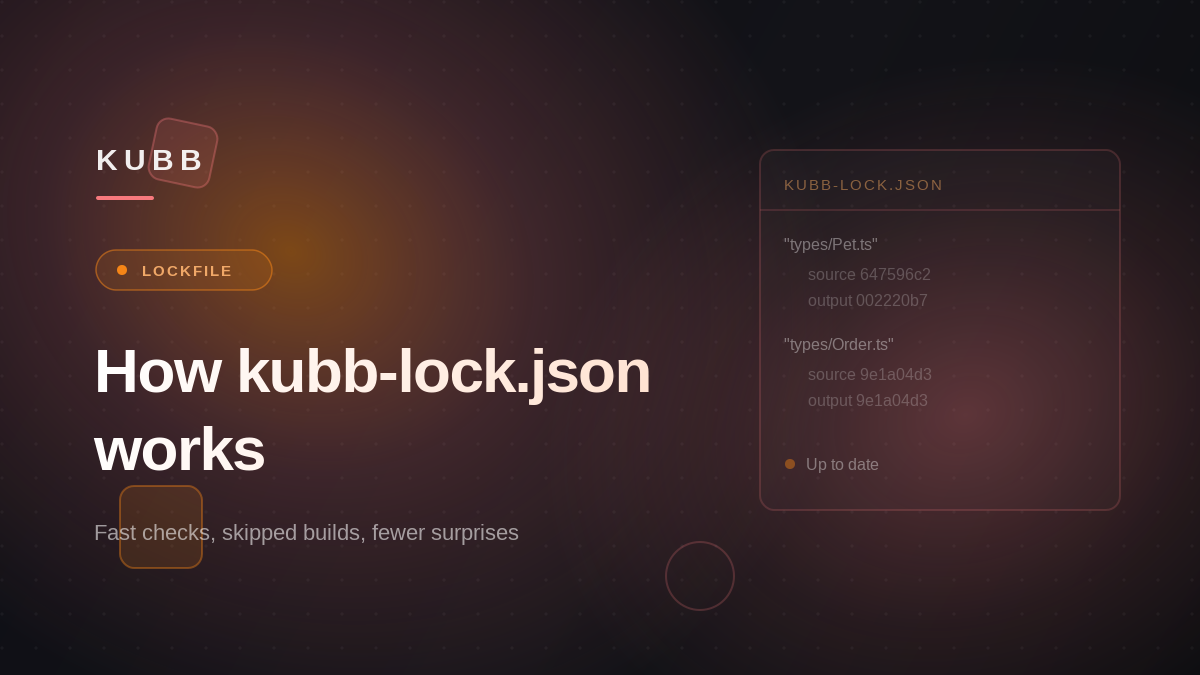
Only hashes. Each generated file gets two: source for the code Kubb generated, and output for the file after formatting. Each config also gets one hash of everything the build read.
{
  "lockfileVersion": 1,
  "inputs": {
    "src/gen": { "hash": "0c3bf1dc…", "sources": ["openapi.yaml"] }
  },
  "files": {
    "src/gen/types/Pet.ts": { "source": "647596c2…", "output": "002220b7…" }
  }
}
Faster checks and skipped builds
--check generates in memory. When a file's source hash matches the new code and its output hash matches the disk, the formatter already did its work, so Kubb skips it. A fresh CI checkout gets the answer without running a formatter.
kubb generate prints "Up to date" and exits when the config, the spec, the installed package versions, and the generated files all match. Pass --force to build anyway, for example after you change your formatter config, which Kubb does not track.
Merge conflicts
Don't merge the lockfile by hand. Run kubb generate, then commit the result. Kubb treats a lockfile it cannot parse as missing, so one full run rewrites it.
To turn the lockfile off, pass --no-lockfile.
Try it
Update to Kubb 5.27. The kubb generate reference has every rule, and Check generated code in CI has example workflows.